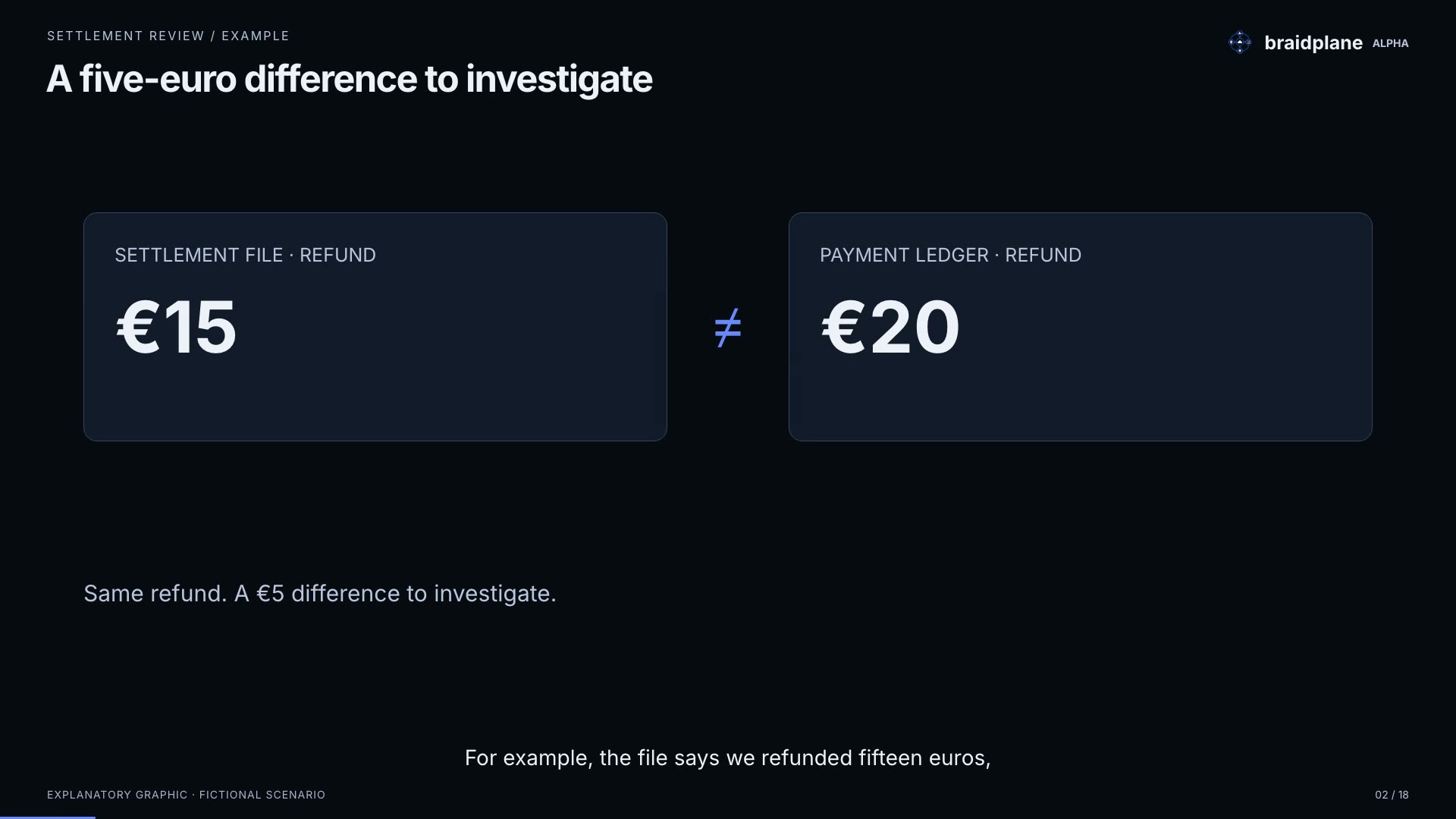
Which transactions need attention?
Compare a settlement file with a payment ledger. Save the differences and trace a result to its sources.
Explore settlement reviewBraidplane is an ETL platform that keeps the pipeline definition, data checks and run evidence connected. Review changes in Git and trace the exact version and steps of a run, so another engineer can pick up the investigation.
A free conversation about your systems and the result you need. Email us to arrange a time.
Create Alpha account · No card required. Explore your workflow.
Two synthetic examples show the inputs, the result, and how to investigate it in Braidplane.
Compare a settlement file with a payment ledger. Save the differences and trace a result to its sources.
Explore settlement review
Bring price lists into a comparable format, refresh the ranking, and follow an offer back to its source file.
Explore supplier price comparisonMaintaining a recurring workflow means reviewing changes, checking data and explaining failures. Keep those responsibilities connected to what actually ran. Setup needs someone who understands your systems and data.
Keep a record of workflow changes so your team can review them before deployment.
Define the fields and types you expect. Braidplane checks them where your workflow declares those expectations.
Start a workflow manually or configure a schedule. Braidplane manages execution and keeps a run record.
See which steps completed or failed and inspect the available diagnostics to investigate.
Connect databases, warehouses, APIs, and storage in the same workflow.
Braidplane Alpha is free to evaluate, with no card required. Connect your systems, build a workflow, inspect its output, and see how failures are reported.
The link opens an email request. Tell us which systems are involved and what you need to move; we reply to arrange a time. There is no booking step or account created by the request.
An agent can write a workflow, and a small one-off script may be enough. Braidplane is useful when your team needs to run that workflow repeatedly and maintain it.
An agent can build these controls into a custom solution too. Braidplane gives your team a shared platform to operate them. You still need to review the workflow and the access you grant.
Git-based workflows are not unique to Braidplane. Dagster also offers YAML components and data checks; Prefect supports flow code stored in Git. Those features alone are no reason to switch.
Braidplane focuses on moving business data through built-in connector operations and SQL transforms. A pipeline definition describes what to collect, how to prepare it, and where to deliver it. Connections are selected for each environment, deployment selects a specific version, and the product records its runs.
Consider Braidplane if that workflow model fits your job and you want to configure and operate it in one product. This is a choice about product fit, not a claim that Dagster or Prefect cannot do the same job. Try a real workflow and a failure case with the available Alpha connectors. If your existing tool works well, keep it.
Resolve conflicting file edits in Git through your usual review and merge process. Braidplane does not resolve those edits for you.
Before importing changes, Braidplane shows you a preview. If someone updates the workflow in Git before you apply it, Braidplane asks you to preview again so you can review the latest changes.
Importing changes does not deploy them automatically. You choose a persisted workflow version and an environment to deploy. Runs use that deployed version, so a later branch change does not silently change what executes.
Yes. An agent can help write or edit a pipeline definition in Git. Review the changes and validate the definition before deploying it. Braidplane runs supported connector operations and SQL transforms; a generated script does not automatically become an executable pipeline.
Yes. The person configuring connections and workflow steps needs to understand the systems and data involved. SQL prepares data, and Git keeps the reviewable definition. Once configured, your team can follow runs and inspect results in the product.
Check the connector catalogue above. The catalogue lists connectors available in Alpha. Read and write operations vary by connector. If your system is missing, tell us about your workflow so we can scope the connection it needs.
The run record shows step status and available diagnostics so you can investigate the failure. After fixing the cause, check which writes already completed before starting another run. A failed run can still have delivered some data.
Discuss whether Braidplane fits your workflow on a free call, or explore independently with a free Alpha account.
Free Alpha evaluation. No card required.